Design cabinets.
Cut nothing twice.
Cabsmith generates every part from a carcass, nests them onto the fewest sheets — kerf, grain and edge banding accounted for — and hands you a numbered cutting plan. All on your phone, fully offline.
- 0%
- typical sheet yield
- 0
- sign-up — runs on device
- 17+
- languages
A whole cabinet shop, on your phone
From the cutlist to the cut diagram to the export — here’s the real app, screen by screen.
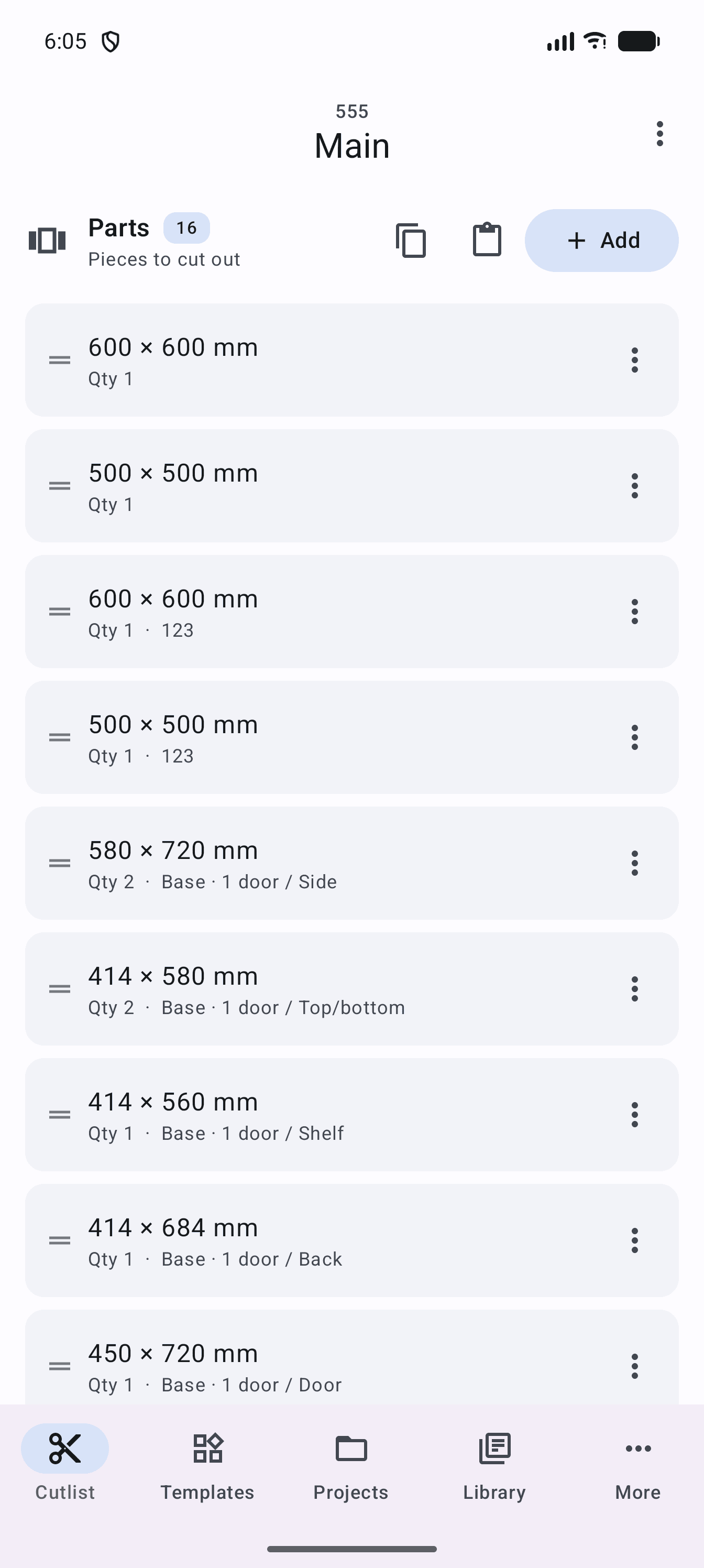
Your cutlist
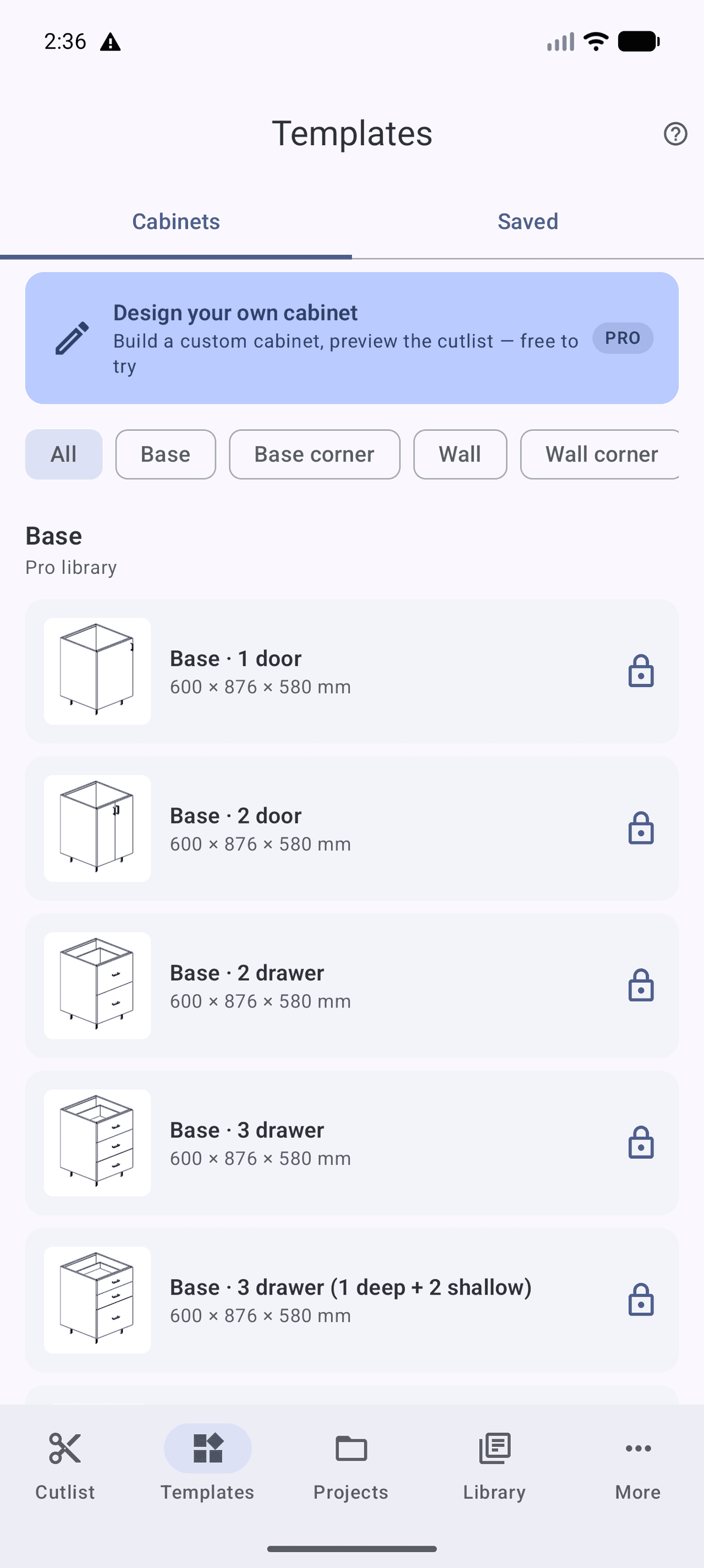
Templates
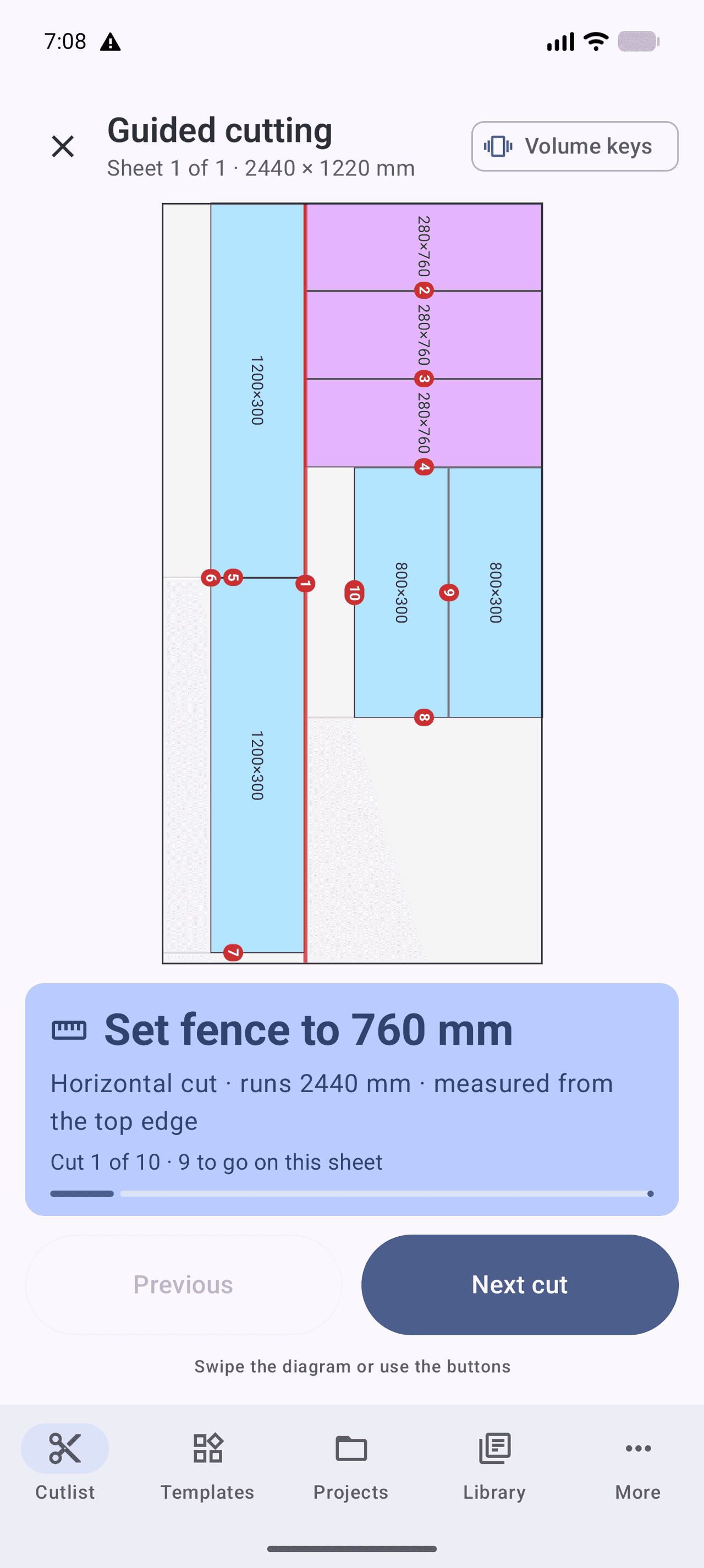
Workshop mode
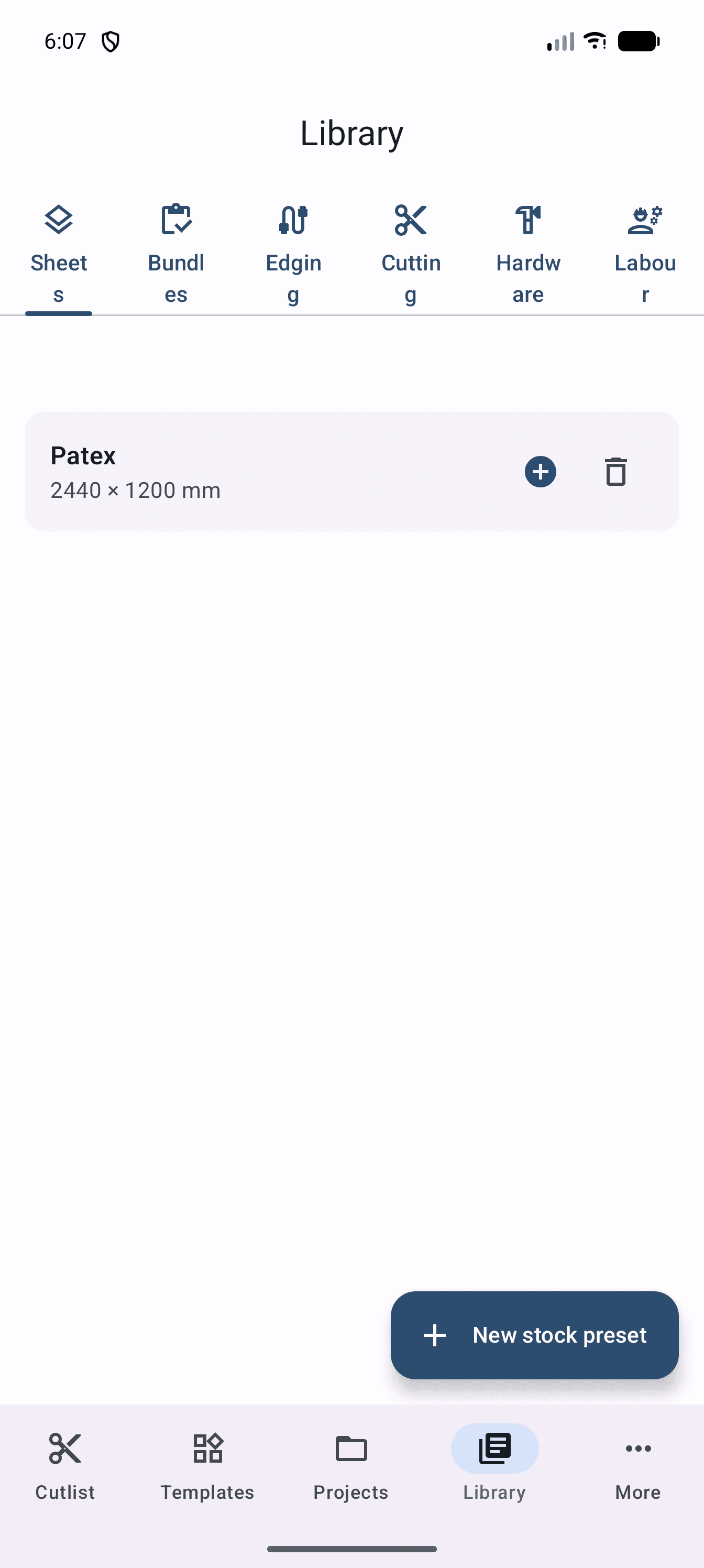
Material library
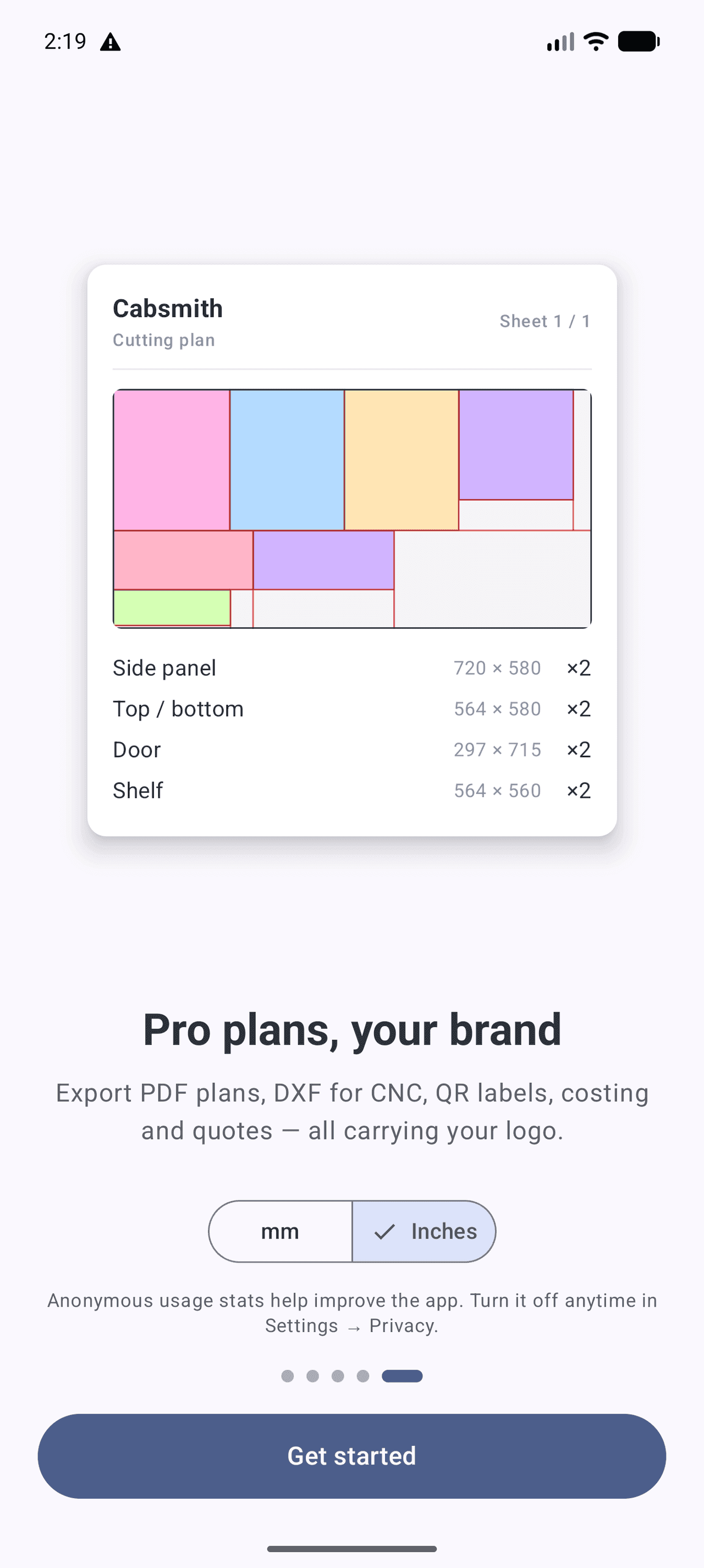
Export plan
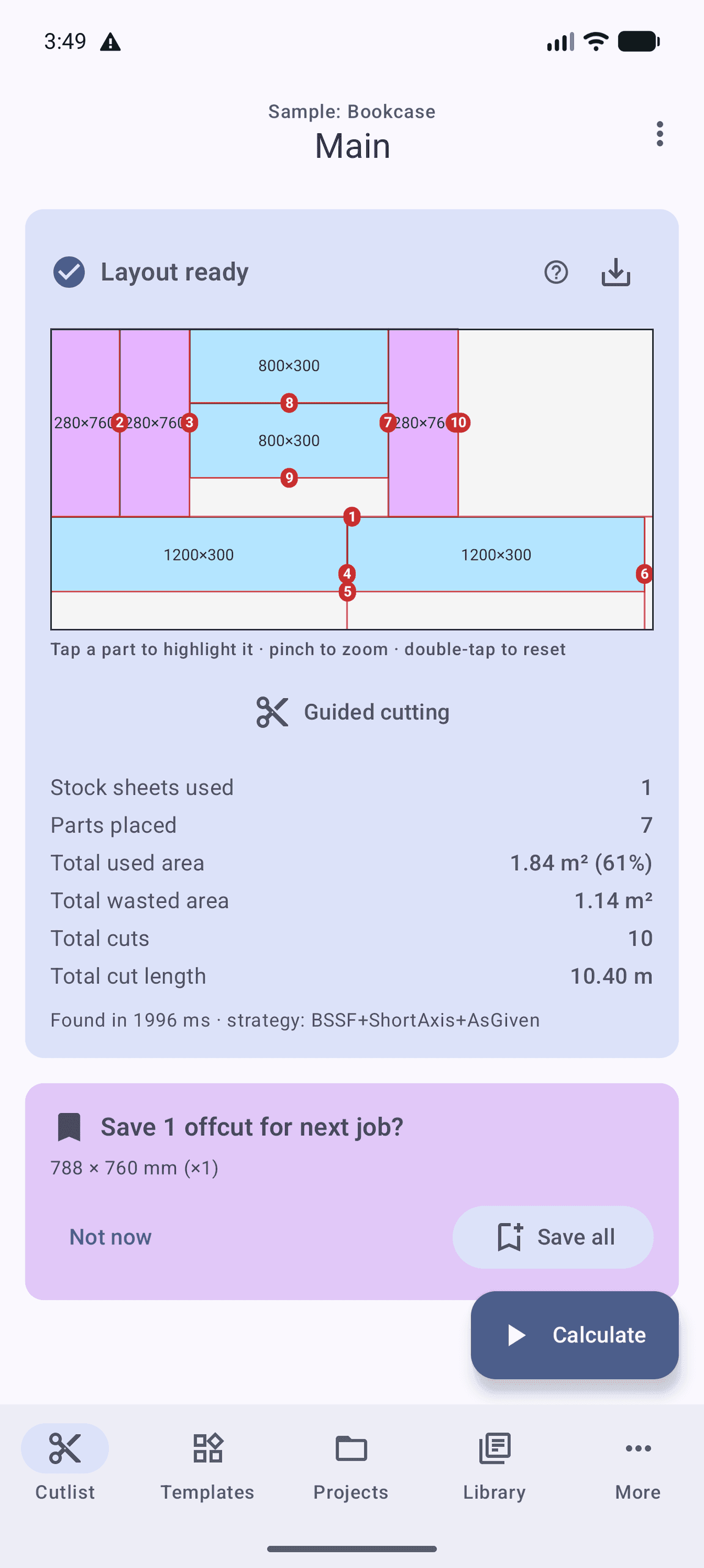
Tap Calculate. Watch every part drop into place.
This is the real nesting engine running in your browser — pastel parts, grain lines, numbered cuts and the yield, exactly as the app draws them. Pinch, pan and tap a part to highlight it.
From a rough size to a shop-ready plan in three steps
No CAD, no spreadsheet gymnastics. Cabsmith does the geometry — you make the cuts.
Design or add parts
Size a base, wall, tall or vanity cabinet and every part is generated. Or type your own panels in any units — mm, inches, fractions, feet-and-inches.
Optimize the layout
Tap Calculate. The beam-search engine nests everything onto the fewest sheets, respecting kerf, grain direction and minimum trim.
Cut & export
Follow the numbered diagram in workshop mode, then export a free PDF plan — or DXF, labels and a costed quote with Pro.
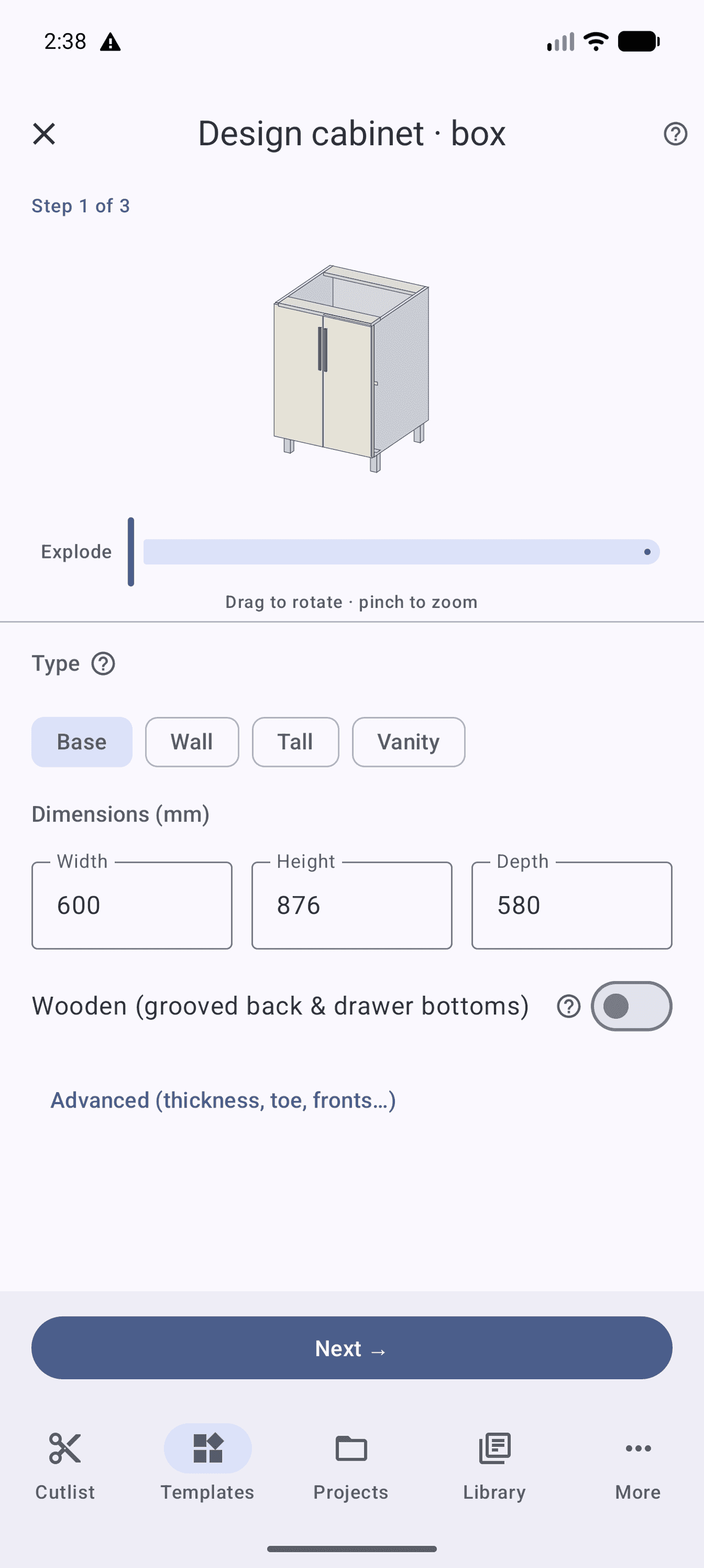
Drag the slider · 9 parts generated from one carcass
A live 3D carcass that becomes a cut list
Pick a family, set width × height × depth, and Cabsmith builds every side, shelf, rail, back and front — sized for real Euro and face-frame construction. Rotate and explode the preview, then send the parts straight to your cutlist.
- Base · Wall · Tall · Vanity
- Wooden or metal drawer boxes
- Grooved backs & drawer bottoms
- Edge banding per face
- Adjustable thickness & toe kick
- Parts list updates instantly
Built to save sheets, time and second-guessing
Fit more parts per sheet
A beam-search nesting engine packs your panels onto the fewest boards — accounting for saw kerf, grain direction and trim. Buy less plywood, waste less material.
See exactly how to cut
Every sheet gets a clean, numbered cutting diagram with the cut order. Tap any part to highlight everywhere it’s cut. No more guessing at the saw.
Workshop mode, hands-free
Walk the cuts one at a time on a shop tablet. Advance with the volume keys while your hands stay on the stock. Built for the bench, not the desk.
Works fully offline
No account, no sign-up, no cloud round-trip. The optimizer runs entirely on your device — at the lumberyard, in the shop, anywhere.
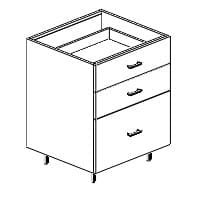
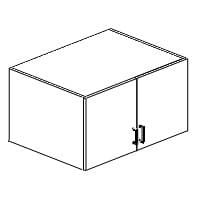
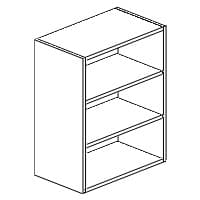
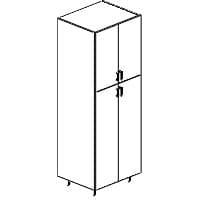
A shelf full of cabinets, ready to size
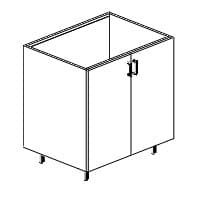
Start from a base, wall, tall, vanity or corner template — every one generates a complete, accurate parts list the moment you set the dimensions.
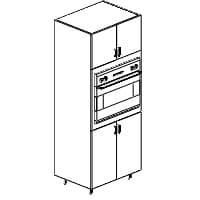
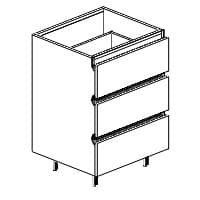
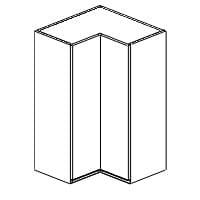
Practical features, drawn from the bench up
Cabsmith is free to use — including the optimizer and PDF plans — with no ads in any tier.
Cabinet designer & templates
Size a base, wall, tall or vanity carcass and Cabsmith builds every part in seconds. Rotate and explode a live 3D preview before you cut a thing.
Optimized cut diagrams
Numbered, step-by-step layouts per sheet with cut lines, dimensions, grain indicators and offcuts marked.
Type any units
mm, cm, m, inches, fractions (3/4") or feet-and-inches (2'4"). Cabsmith parses it and converts on the fly.
Kerf, grain & edge banding
Blade thickness, grain matching and 4-side edge banding are all accounted for in the layout — and drawn on the diagram.
Voice & camera entry
“Add four panels, 600 by 400, oak.” Or point the camera at a rectangle to capture its width and height.
Tap-to-highlight
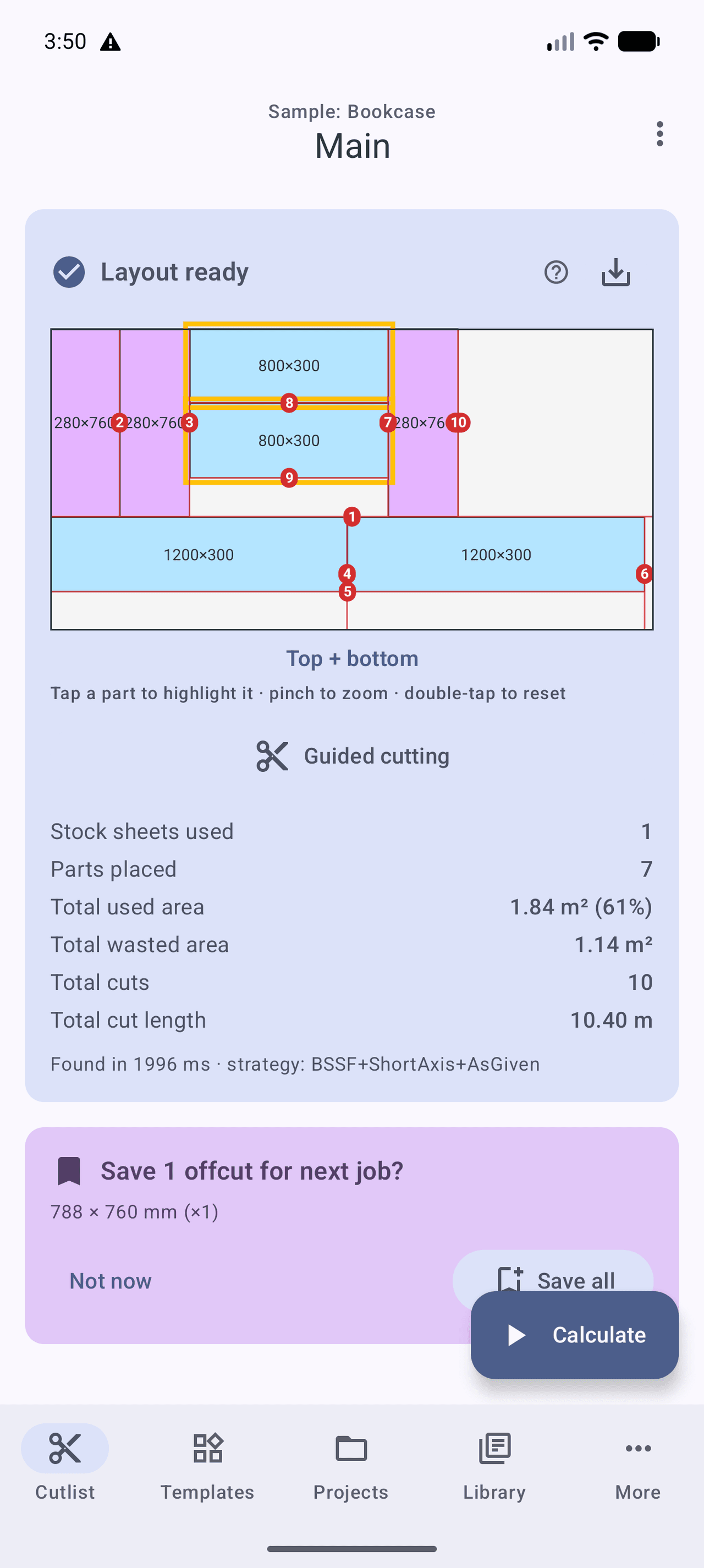
Tap a part and it lights up on every sheet it appears on, with a gold halo — instant orientation across the whole job.
Free PDF cutting plans
Export print-ready PDF cutting plans, or PNG/JPG, completely free. Send to any Android printer.
Hardware & offcuts
Track hinges, slides and handles alongside your parts. Save usable offcuts for the next job.
Accessible by design
Full TalkBack support, Material 3 dynamic color, and light / dark / true-black themes.
Tap a part. Watch it light up on every sheet it’s cut from.
No more squinting at a wall of rectangles. A gold halo follows your part across the whole job, with its label and dimensions front and centre — so the right offcut never ends up in the wrong cabinet.
Free to cut. Pro to run a shop.
Use the full optimizer and PDF plans free, for up to 3 projects. Upgrade when you need CNC export, costing and unlimited jobs.
Free
The full optimizer and PDF plans, for up to 3 projects. No ads, ever.
- Up to 3 saved projects
- Full optimizer — least waste, least cuts, mixed
- Cabinet designer & templates
- Kerf, grain & 4-side edge banding
- Numbered cut diagrams + workshop mode
Pro
ProEverything in Free, plus power tools for shops that run on Cabsmith.
- Unlimited projects
- DXF / SVG / G-code (CNC) export
- Label sheets with QR codes
- Cost reports & customer quotes
- Reusable material library
On Android today — and on the way everywhere you work
The same engine, coming to the bench tablet, the browser and Apple. Buy Pro once and it’ll follow you across devices with cloud sync.
Android
Phones and tablets, Android 8 and up. The full app, fully offline.
Android tablets
A bench-first tablet layout for the shop — bigger diagrams, two-pane cutlist.
Web
Plan and price jobs from any browser, then sync to your phone with Pro.
iPhone & iPad
Cabsmith is coming to iOS and iPadOS — the same engine, native on Apple.
Learn the craft, not just the app
Step-by-step walkthroughs on cut-list basics, designing cabinets, grain matching and exporting to CNC.
Stop guessing. Stop wasting sheets.
Cabsmith is free to download and free to cut with. Bring your next job to the lumberyard already optimized.